

Introduction
Digital backgrounds art techniques bring a new edge to drawing backgrounds, especially in home decor. These methods allow you to create unique, customizable visuals that fit perfectly into your living space. With today’s advanced digital tools, the sky is the limit for personalizing your environment.
In this article, you will learn what digital background art involves, how it can impact your home decor, and practical steps to start creating or using digital backgrounds in your own space. You will find clear guidance and examples tailored to make digital drawing backgrounds accessible and useful.
What Digital Background Drawing Involves
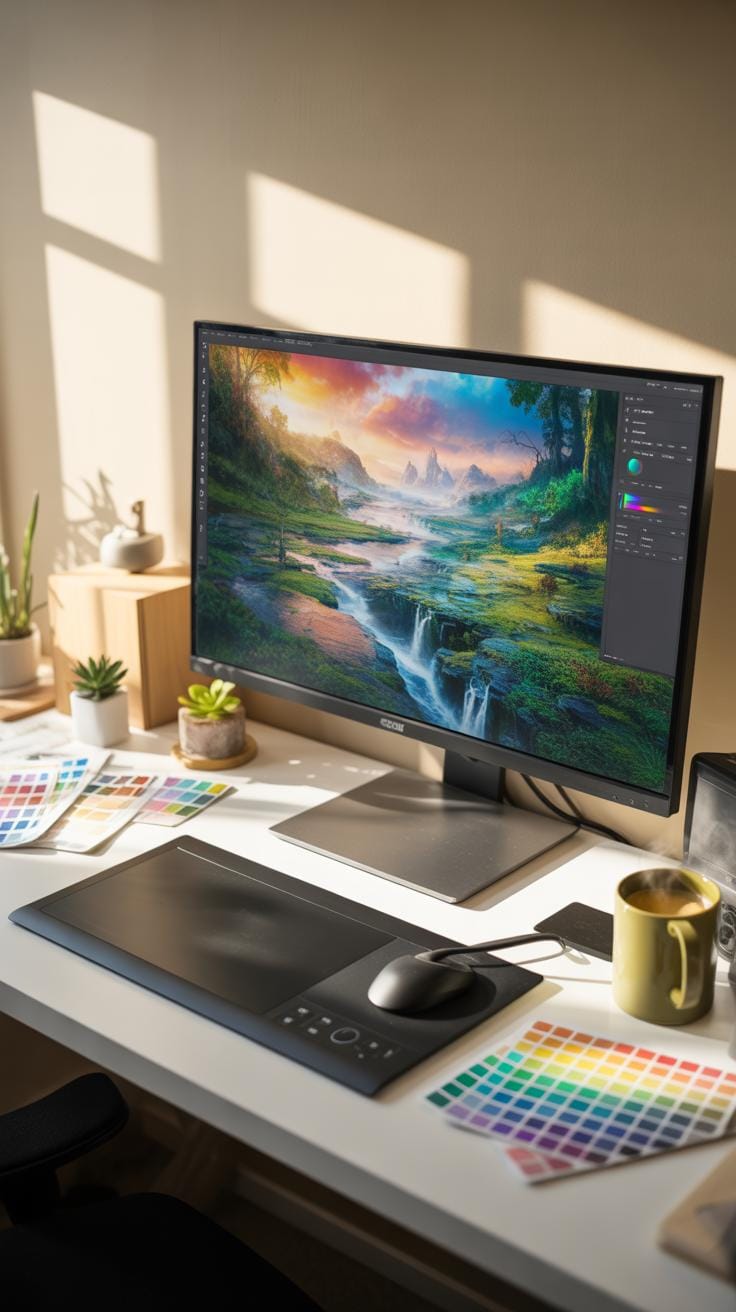
Digital background drawing is essentially the creation of visual backdrops using digital tools. Unlike traditional drawing where you use pencils or paints, here you work directly on a computer or tablet with software. This method involves painting or sketching environment scenes, abstract patterns, or textures that serve as the backdrop for art or design projects.
Drawing backgrounds digitally leverages layers and undo functions, making experimentation less risky. It’s particularly relevant for home décor, where digital backgrounds can be customized to match a room’s style or mood without the permanence of paint or wallpaper. The flexibility offered by digital techniques lets you tweak colors, shapes, and details until the background complements your space perfectly.
Tools Needed For Digital Background Drawing
To dive into digital background drawing, a few key tools are essential:
- Graphic tablets: These devices mimic the feel of drawing on paper, allowing precise control over your strokes, which is hard to get with a mouse.
- Styluses: Pens designed for graphic tablets make it easy to vary pressure and angle, mimicking traditional drawing techniques digitally.
- Software like Adobe Photoshop or Illustrator: Photoshop is great for bitmap-based art, ideal for textured backgrounds, while Illustrator excels at crisp vector shapes that scale without losing quality.
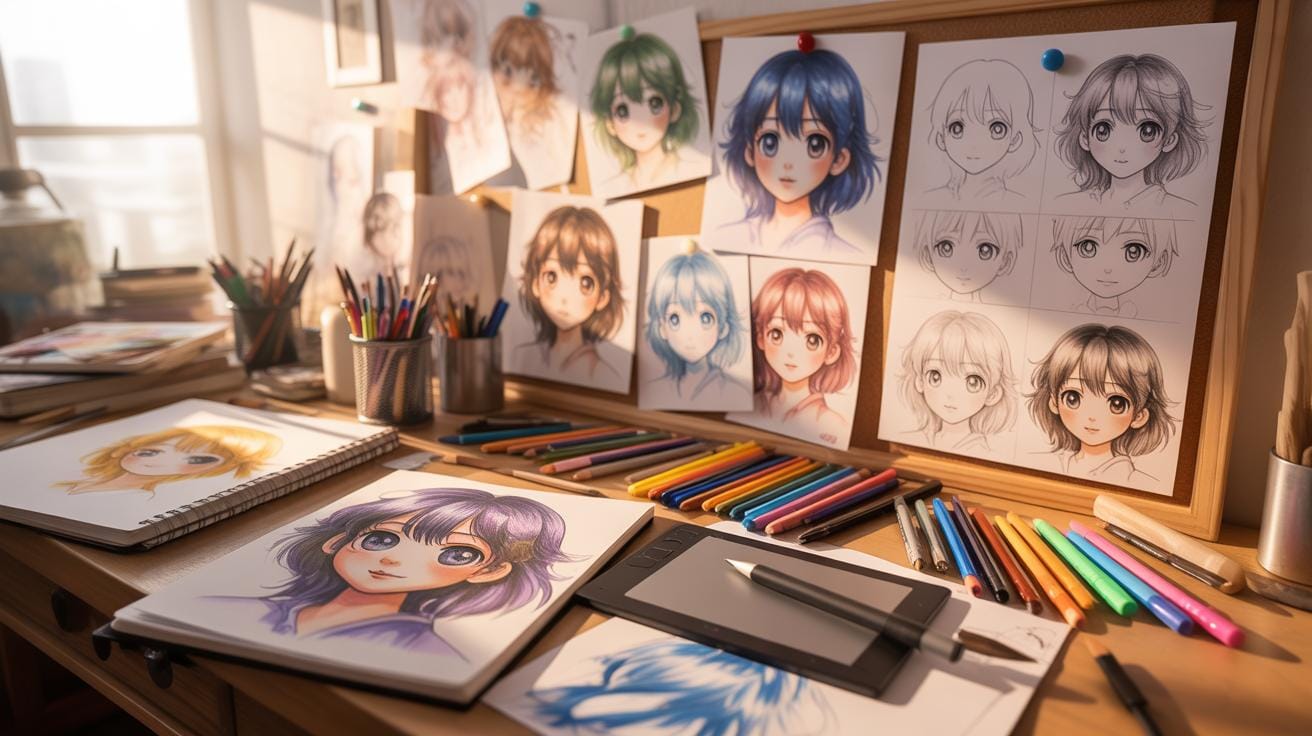
Each tool plays a distinct role: the tablet and stylus provide natural, intuitive input; Photoshop’s comprehensive brushes and layering systems allow for rich, textured backgrounds; Illustrator offers precision for geometric patterns. This combination empowers artists to create backgrounds that seamlessly fit home décor themes.
Comparison Between Digital And Traditional Drawing
When it comes to backgrounds, digital drawing offers a flexibility traditional media often can’t match. Mistakes can be corrected instantly without starting over, and colors can be adjusted on the fly. This ease of editing is a considerable advantage if your décor preferences evolve over time—or if you want to test how a background looks before applying it.
Traditional drawing, on the other hand, brings a tactile quality and sometimes unpredictability that digital tools strive to replicate but rarely equal fully. The textures of brush strokes, paper grain, or pencil shading add a character that screens can’t always convey.
Integration with home décor is another angle: digital backgrounds can be printed on various materials or displayed on digital frames, blending modern technology with interior style. Meanwhile, traditional backgrounds might be limited to physical media like canvases or murals. So, digital drawing offers a level of adaptability and convenience particularly suited for contemporary home decorating.
How Digital Backgrounds Affect Home Decor
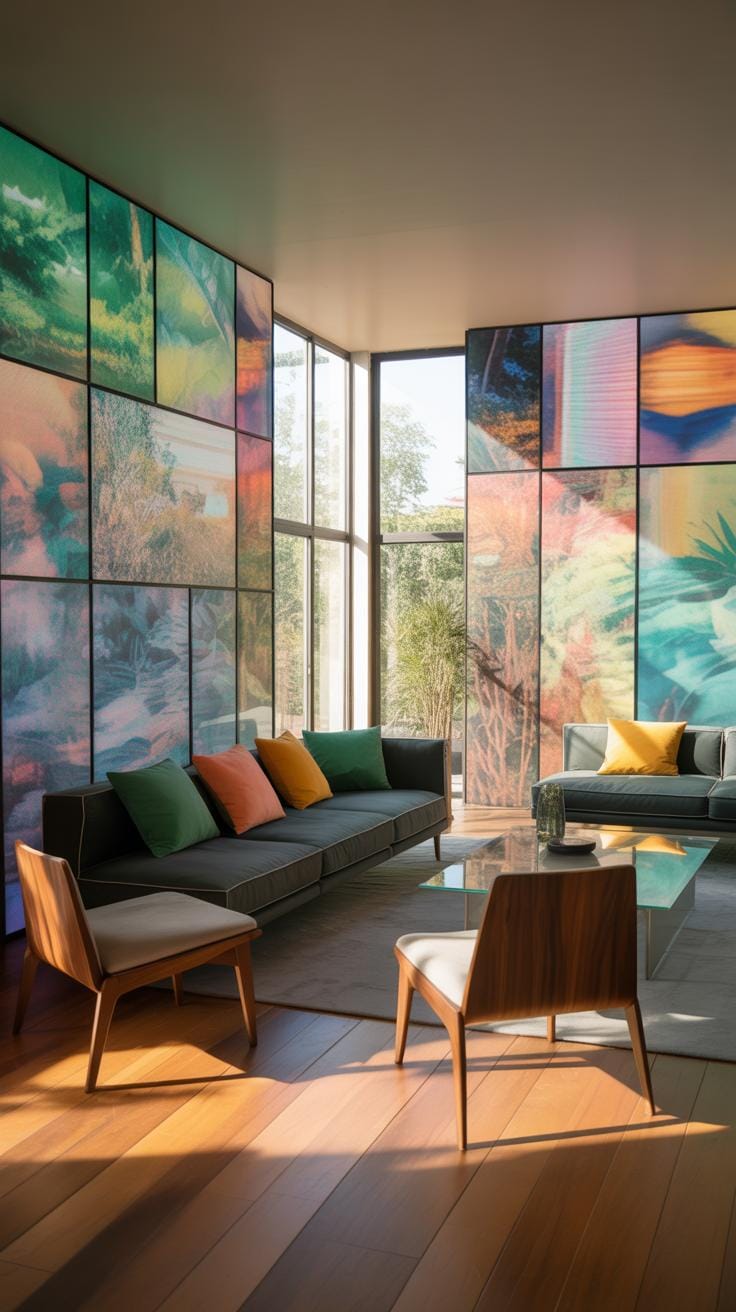
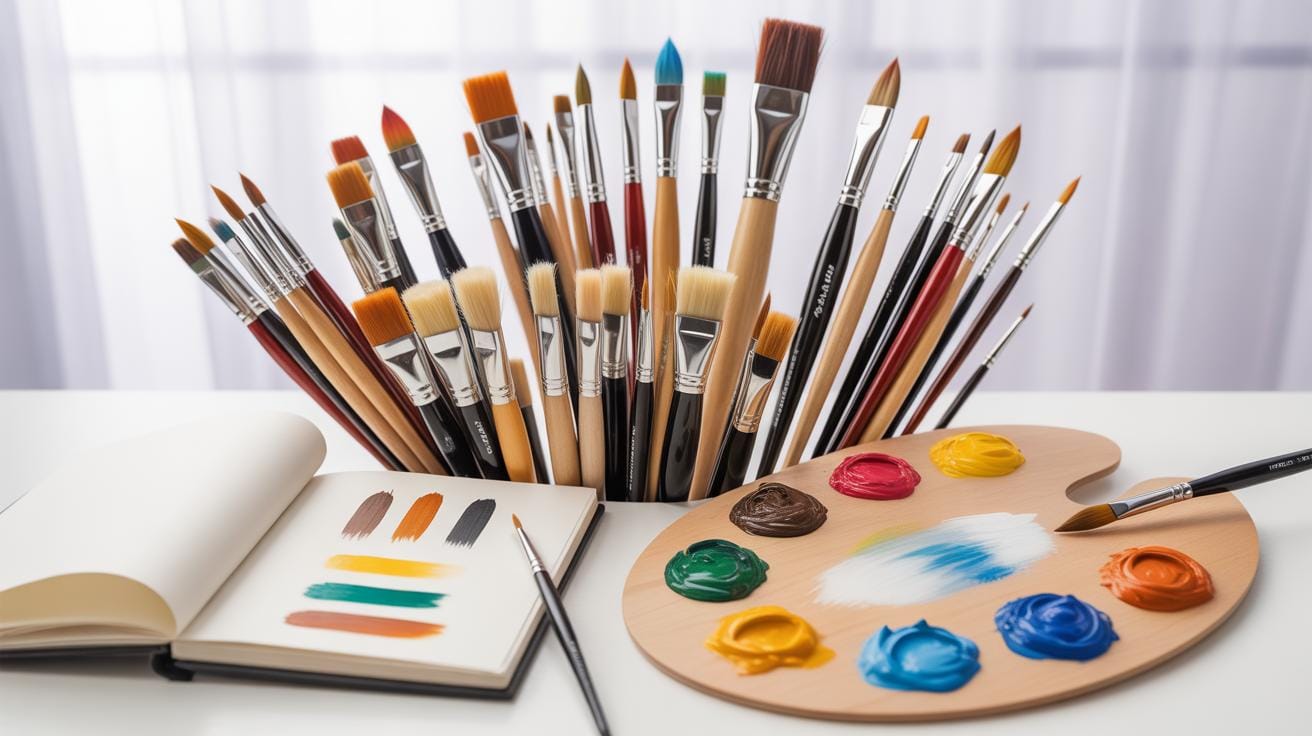
When you think about a room’s design, what often gets overlooked is the background. It’s not just empty space—it sets the tone, framing everything else. Digital backgrounds have a unique ability to influence how you feel in a room. Maybe it’s a calming blue gradient behind the sofa, or a textured pattern that makes a dining area feel cozier. These backgrounds, created and applied digitally, can transform a space in subtle and bold ways.
They contribute to the overall style and ambiance by controlling light reflection, color balance, and even perceived space. For example, a dark digital background can make a living room feel intimate but might also shrink the perceived size, while lighter backgrounds can open up cramped areas. The flexibility to customize digitally created backgrounds means you can tailor them to suit your mood or shift them as seasons change—something traditional decor struggles with.
So, would you consider your walls ‘silent players’ in your home’s story? Because they do more than hold up pictures—they set the stage for your life’s moments.
Examples Of Digital Backgrounds In Room Designs
Digital backgrounds have found their way into homes in various ways:
- Custom digital wallpaper featuring abstract art or natural scenes brings personality to plain walls without the mess of paint.
- Large-scale digital prints behind beds or sofas act like a focal art piece, anchoring the room’s theme.
- Digital murals that mimic textures like wood grains or stone add a tactile illusion, lending depth without physical material.
I remember seeing a cozy café where a digital forest backdrop stretched across one wall. It felt like the room had a window into a different world—quite captivating. It’s these kinds of uses that show digital backgrounds don’t just fill space—they create experiences.
Why Backgrounds Matter In Visual Space
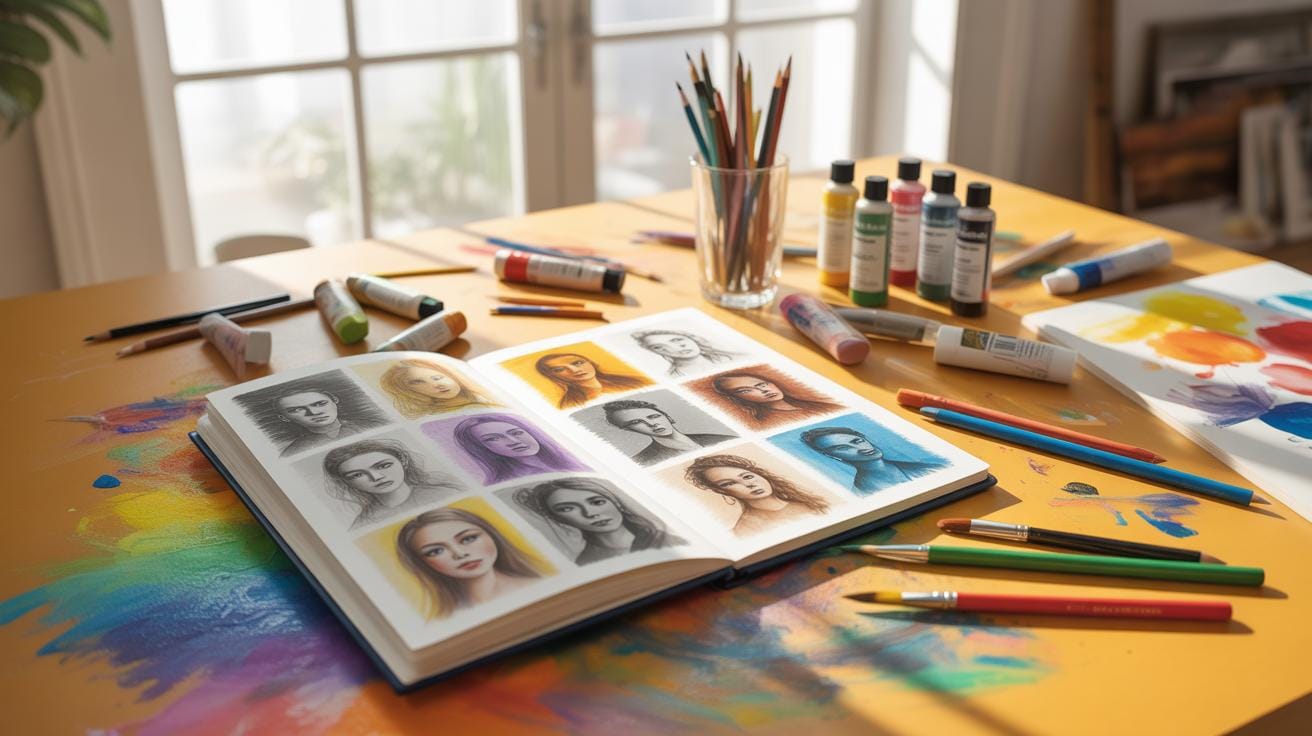
Backgrounds are often underestimated. But they have a role that’s crucial in shaping perception. Think of them as the room’s mood dial. They affect depth, making certain areas pop forward or recede quietly. They also influence how colors and furniture interact—the slightest change can alter the entire vibe.
What’s interesting is how a background can control emotional responses subconsciously. A bright, busy pattern might energize a workspace but overwhelm a bedroom meant for relaxation. On the other hand, minimalistic digital backgrounds can add calm without monotony, providing balance.
When you start focusing on backgrounds as active elements, the whole approach to decorating shifts. Suddenly, your walls aren’t just separators—they become storytellers and mood makers. So, how much attention do you give to the ‘space behind the space’ in your home?
Setup Checklist For Starting Digital Background Art
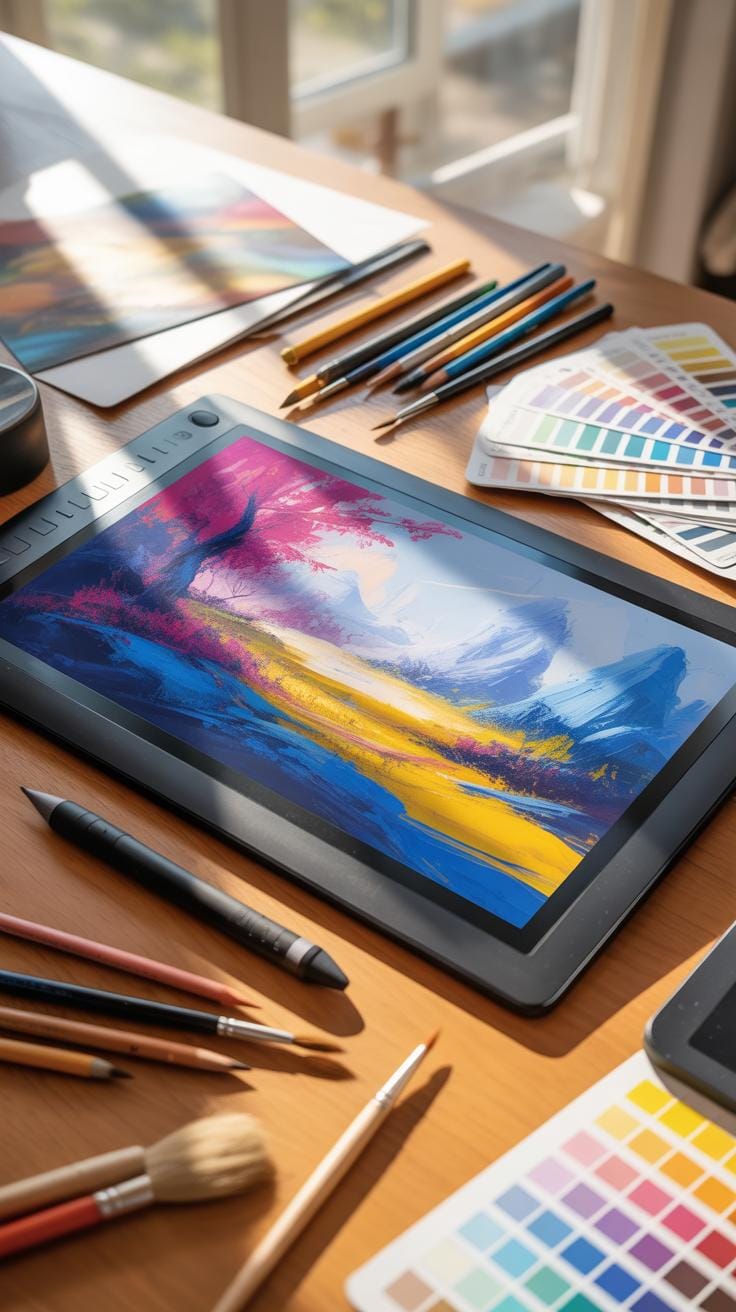
Preparing to create digital backgrounds at home requires a few careful steps. First, you’ll want to clear a dedicated space free of distractions. It doesn’t have to be massive, but enough room for your tools and comfort is key. Next, gather your hardware: a computer or tablet with decent processing power and a stylus or drawing tablet for precision. Don’t overlook a good quality screen that displays colors accurately—it’s often underestimated.
Now, software choice comes into play—more on that soon. But make sure to download and install everything in advance, so you’re not disrupted midway. Brush up on basic skills like layering, coloring, and using digital brushes. If you’re new, some tutorial videos can help, even if you feel a bit overwhelmed at first. Lastly, consider backup options for your files. Trust me, losing work is frustrating.
Selecting Right Software For Beginners
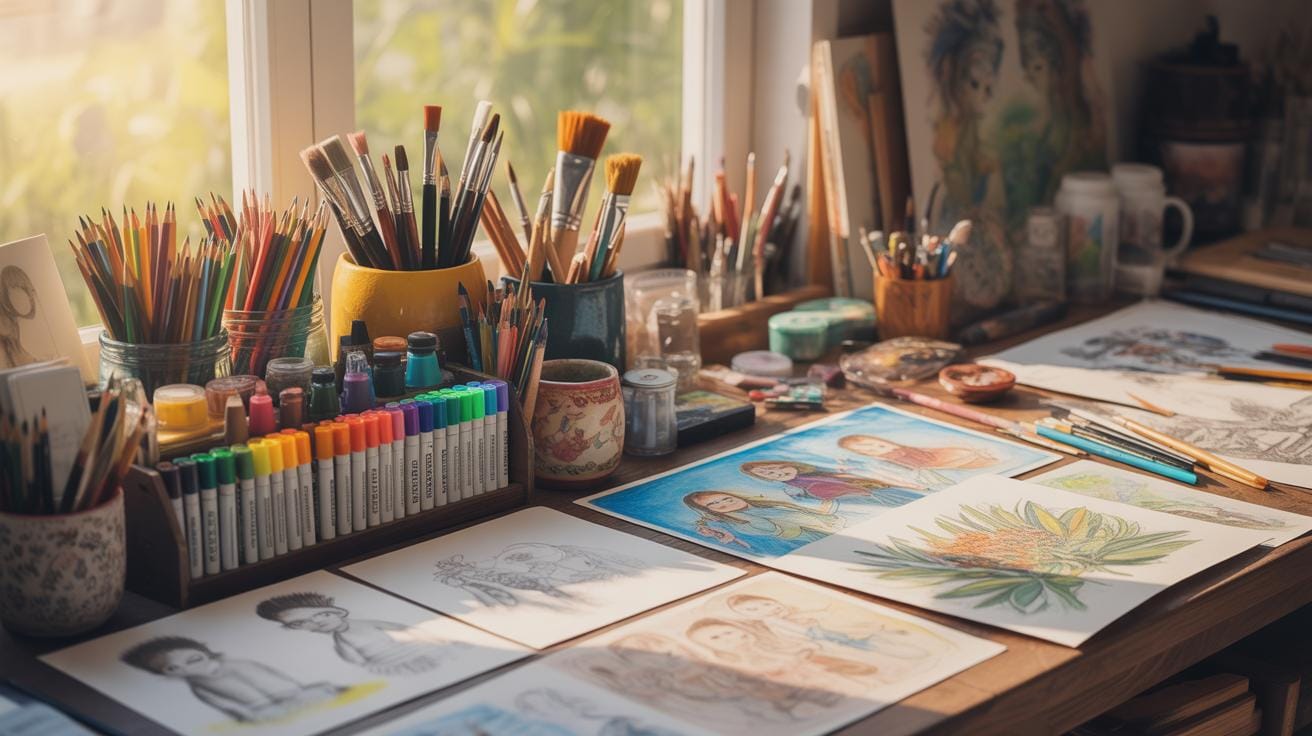
Picking software can feel like quite a task, with dozens of options out there. For newcomers, cost and user-friendliness matter most. Programs like Krita and MediBang Paint offer no-cost solutions and a gentle learning curve that’s quite forgiving. Meanwhile, software like Clip Studio Paint has more features but might stretch your budget a bit. Even Procreate, though iPad-exclusive, is intuitive for beginners and worth considering if you already own an iPad.
The key is to start simple. Explore free versions or trial periods before committing. Some tools come with built-in templates and brushes designed specifically for backgrounds, which can save time and frustration. Don’t rush to the most complex software right away—you can always upgrade later.
Creating A Workspace For Digital Drawing
Your physical workspace influences your art more than you might expect. An adjustable desk and comfortable chair can prevent strain during long sessions. Lighting is crucial; natural light is best but if that’s not possible, a daylight lamp helps reduce eye fatigue and keeps colors true to life.
Arrange your tools so everything is within easy reach but not cluttered. Position your monitor or tablet at eye level to avoid neck pain. Personal touches like a small plant or art prints might inspire creativity—they certainly do for me, anyway. Consider noise levels, too; some prefer quiet, others like background music or white noise. Setting the right environment might take some tweaking, but it’s worth it for sustained focus.
Process To Create Effective Digital Backgrounds
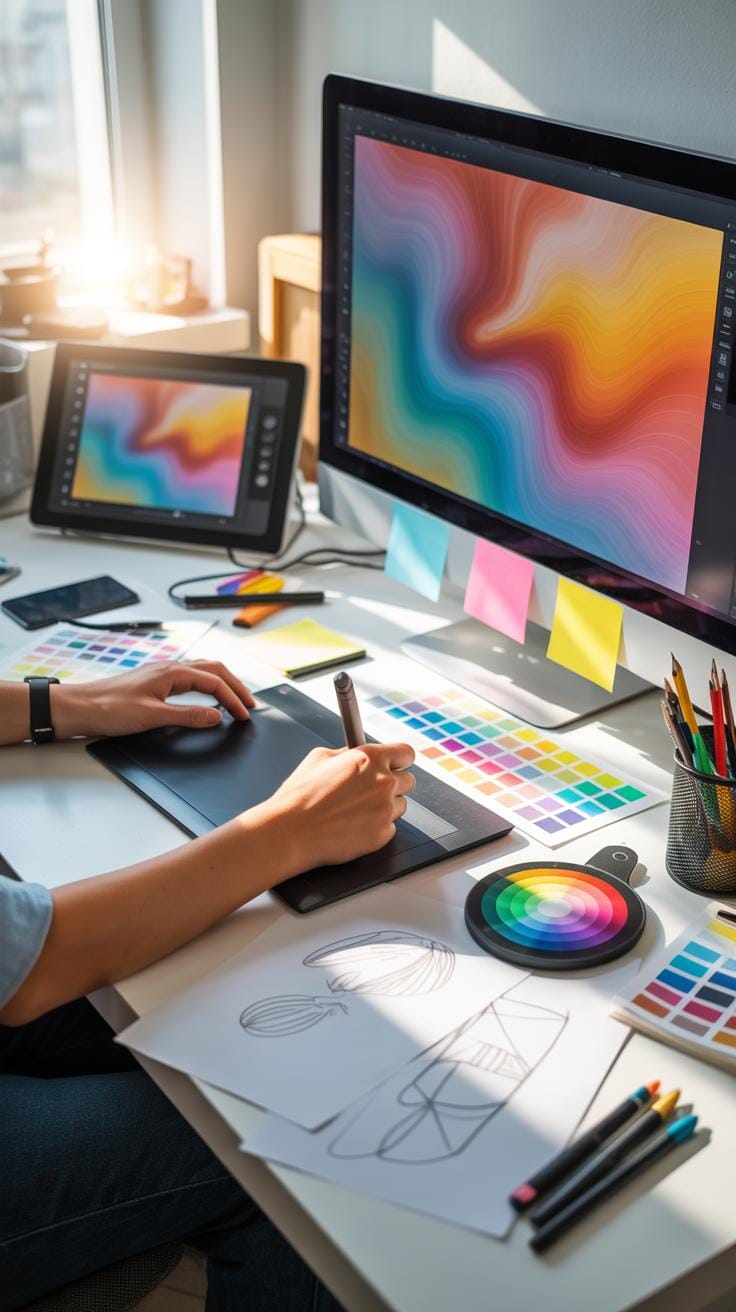
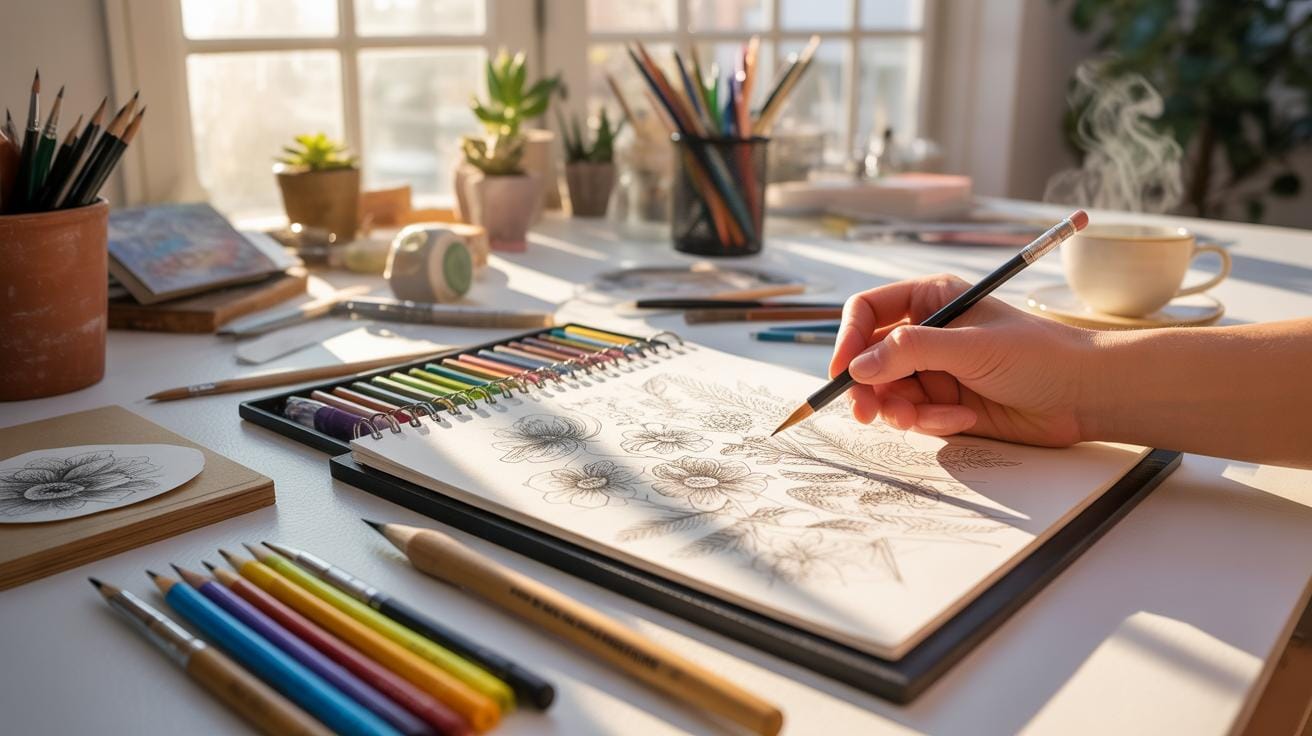
Creating a digital background from concept to finished artwork involves several key steps. First, start with a clear concept or mood that matches the home decor style you want to complement. Sketch rough ideas to explore composition and perspective. Next, digitally block in the basic shapes and colors using software tools, focusing on layout rather than details yet. Then, refine the shapes and add textures, shadows, and highlights to give depth and interest. During this phase, adjusting the color palette is crucial to ensure it harmonizes with typical home environments—soft, muted tones often work well, but sometimes bold colors can energize a space.
Keep evaluating balance and negative space to avoid clutter. Finally, review the piece with the intended room in mind, tweaking as needed before completing the artwork. This iterative process, though sometimes slow, helps create backgrounds that feel integrated and visually comforting within home settings.
Design Principles For Backgrounds
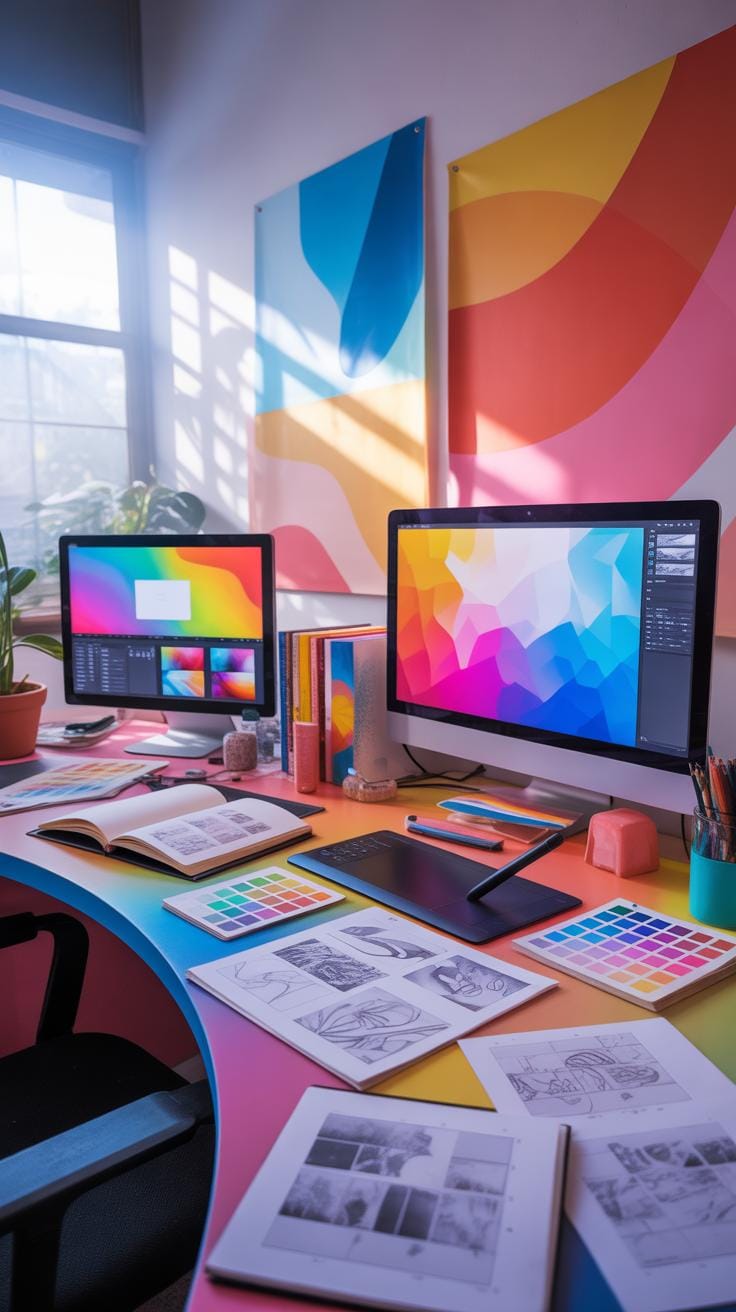
When drawing backgrounds, applying fundamental design principles can enhance the visual appeal. Color harmony plays a key role: colors should complement each other and the room’s palette to avoid visual discord. You might use analogous colors for subtle transitions or complementary colors to create interest. Balance is also important; uneven weight on one side can feel unsettling unless it’s deliberately playful. It’s okay for backgrounds to be asymmetrical as long as they don’t feel chaotic.
Texture adds another layer of richness. Digital tools allow mimicking surfaces like wood grain, fabric weave, or stone, which can evoke a tactile feeling even in flat artwork. Consider whether the texture should be subtle or bold depending on the room’s furnishing and lighting. Remember that too much detail can distract, so moderation is key—enough texture to invite a closer look without overwhelming the space.
Saving And Exporting Files Correctly


Saving digital backgrounds for home decor use requires attention to file format and resolution. For printing, high resolution is essential—usually at least 300 dpi ensures crispness. TIFF and PNG formats are great choices because they retain quality without much compression. JPEGs can work but avoid using them if heavy compression reduces clarity.
If the background is for digital display like smart frames or projections, lower resolutions around 72 dpi may suffice, and saving in JPEG or PNG keeps file sizes manageable. Another point to consider is color profiles; using RGB is common for digital screens, whereas CMYK is preferred for printing to maintain color accuracy.
Always double-check exported files on different devices or print tests when possible. This step helps catch unexpected color shifts or detail losses that could affect how your background looks once installed at home.
Cost Breakdown For Home Digital Background Art
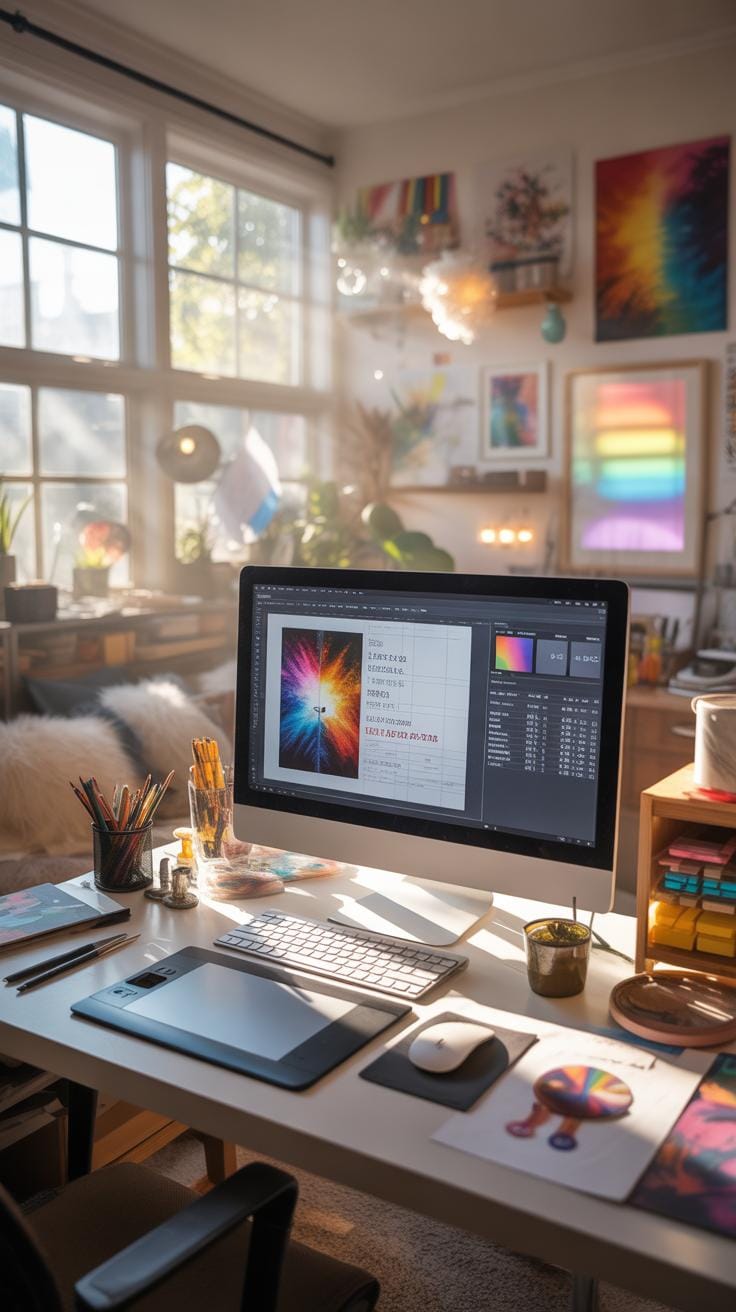
Investing in digital background art for your home decor involves a few key cost areas: tools, software, and printing. First off, you’ll need a digital device like a tablet or computer capable of handling design software. Prices for these can vary widely, from budgeting around $200 for a basic tablet to well over $1000 for high-end options suitable for serious artists. That said, you don’t have to splurge right away; sometimes a simple setup can suffice, depending on your ambitions.
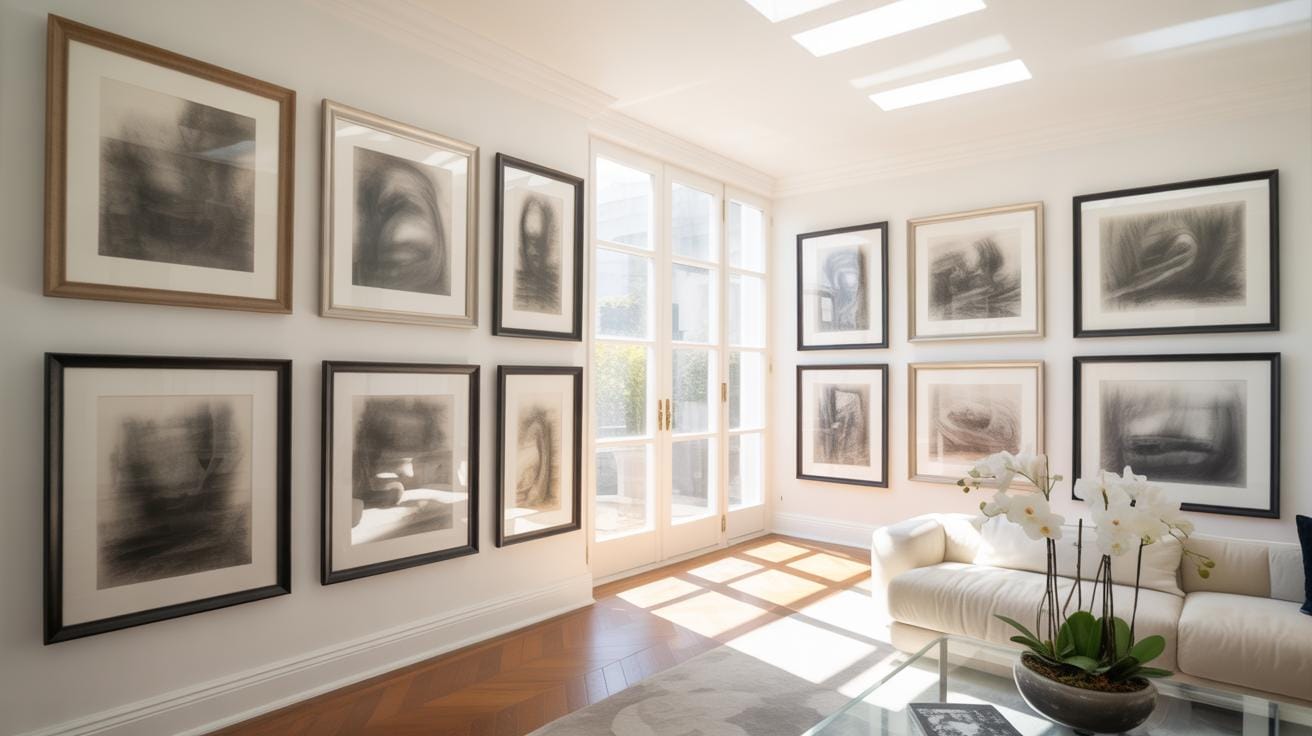
Software costs might surprise you. Some well-known programs carry hefty license fees, but there are many affordable, or even free, alternatives out there. For instance, programs like Krita or GIMP offer powerful features without asking for a penny. They might require a bit of a learning curve, but you can get a lot done before even thinking about spending money on software.
Printing physical digital backgrounds introduces another set of expenses. Whether it’s canvas prints, wallpaper rolls, or specialty papers, costs can add up quickly. Canvas prints might range from $50 to a few hundred dollars depending on the size and quality. Wallpaper printing can vary even more, especially if you opt for custom designs or textured finishes. It’s worth comparing local and online print services to find the best pricing and quality balance.
You might wonder how to keep these costs manageable. One approach is to start small, maybe test with paper prints before committing to large-scale prints on expensive materials. Also, keep an eye out for discounts or bundled software deals if you’re willing to explore options beyond mainstream brands.
Common Challenges In Digital Background Art
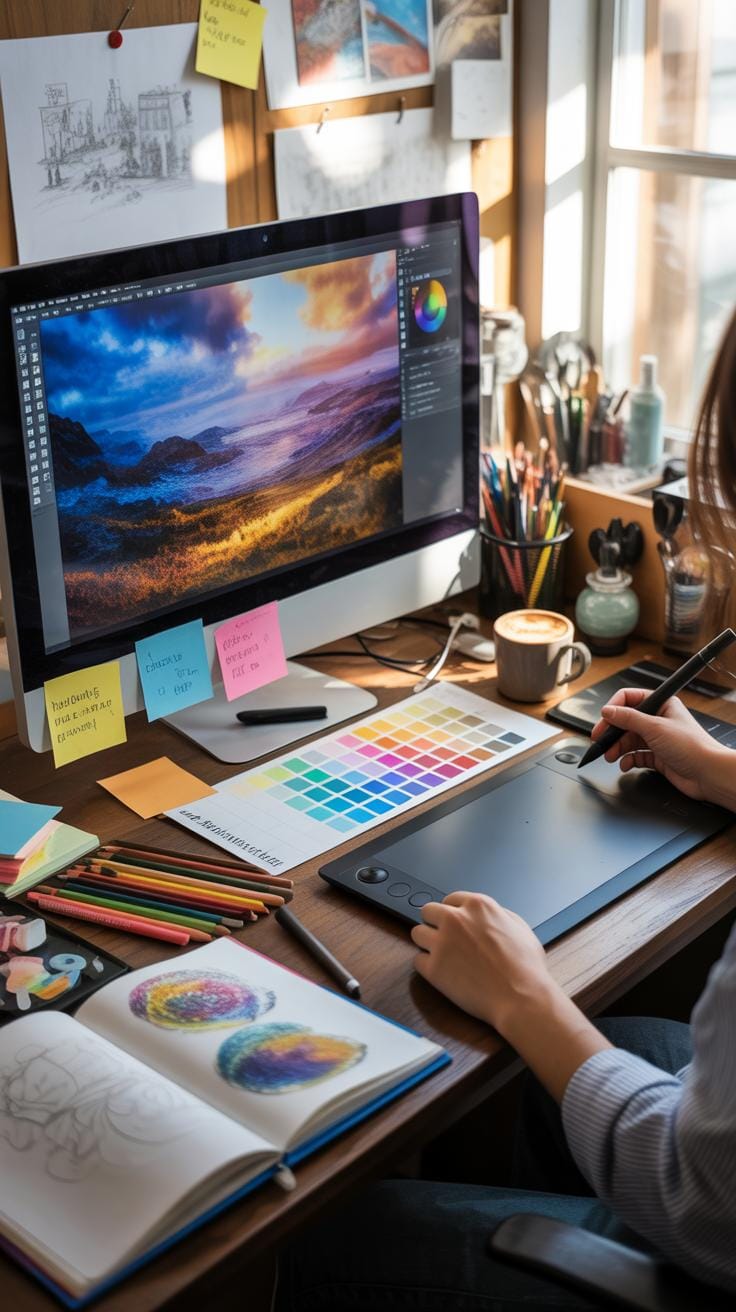
When you first start drawing digital backgrounds, you might feel overwhelmed by the sheer possibilities to explore. The blank digital canvas can be intimidating—how do you fill that space without making it look cluttered or empty? Many beginners struggle with balancing detail and simplicity in their backgrounds. It’s easy to either drown the scene in too many elements or leave it feeling bare and unfinished.
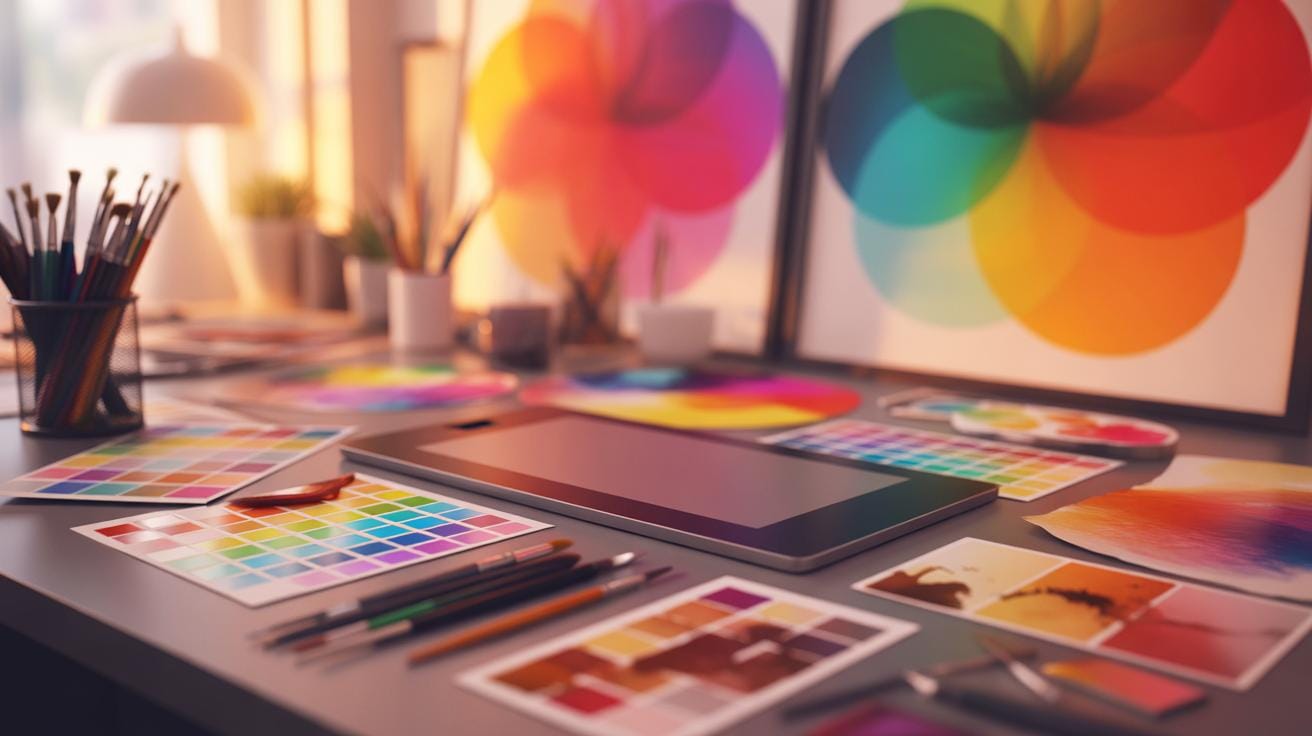
One practical way to overcome this is to develop a rough sketch first. Think about the composition: where you want the focal points and how the background will support your main subject. Don’t hesitate to create multiple layers and play with opacity; this helps separate elements and control depth. Also, take advantage of reference images—these can guide your color schemes and perspective, reducing guesswork.
Sometimes, it’s a matter of patience. Digital art lets you undo and refine things endlessly, but resisting the urge to make rapid, sweeping changes can improve your outcomes. Take breaks, because fresh eyes often spot issues you missed before.
Technical Problems And Solutions
Technical hiccups are part of the routine in digital art, and backgrounds are no exception. Software crashing during a detailed session? That’s frustrating, and it happens more often than you’d like. It’s often linked to high file sizes or running multiple heavy applications simultaneously.
One first step is to frequently save your work and use auto-save options, if available. Naming versions like “background_v1,” “background_v2” can also prevent losing hours of effort. File compatibility issues arise when working across different programs or sharing files. To avoid surprises, export files in widely accepted formats like PNG or TIFF, and double-check settings before saving.
Another tip is to keep your software and drivers updated. Sometimes crashes occur because of bugs that developers patch in updates. If you’re running low on system resources, closing unnecessary processes or increasing RAM might help. When problems persist, online communities around your chosen software are good places to find targeted advice.
Design Pitfalls To Avoid
Some of the most common design mistakes in digital backgrounds involve color and composition. A background that’s too bright or saturated can clamor for attention, stealing focus from the main elements in your artwork. On the flipside, dull or muddy color choices risk rendering the background invisible or boring. It’s a tricky balance.
To prevent this, try limiting your palette to a few harmonious colors and use contrast deliberately to guide the viewer’s eye. Avoid overloading your scene with too many textures or details; backgrounds should support the overall mood and story, not compete with it. Use negative space thoughtfully—it can add breathing room and highlight your main subject.
One practice is to step back or zoom out regularly to see the whole picture. What looks fine up close might overwhelm the scene when viewed at normal scale. Ultimately, your background should enhance the space it decorates, not clutter it. Experiment, but keep asking yourself if each element deserves to be there.
Metrics To Choose The Best Digital Background

Choosing the right digital background for home decor involves a few critical considerations. Let’s start with resolution. You want a crisp, detailed image that won’t blur or pixelate when viewed close-up or blown up on a larger scale. Resolution essentially controls how sharp your background will appear — the higher, the better, but there’s a point where file size and practicality come into play.
Color depth matters too. A background with richer color data can reproduce subtle shades and gradients, lending a more natural or vibrant look. It’s a bit like the difference between a faded print and one that almost pops off the wall. Too shallow color depth can create banding or dullness that lessens the visual appeal.
Then there’s style fit. This feels more subjective but is equally crucial. Does the background’s design, pattern, or mood sync with the room’s theme? A cozy, rustic living space may feel off with a stark, futuristic pattern. Matching tones and themes doesn’t guarantee success, but ignoring them often leads to visual discord.
It’s tricky navigating these factors all at once, but focusing on resolution, color depth, and style helps narrow down the immense range of options effectively.
Resolution Importance For Large Prints
Printed backgrounds have unique demands. When you scale an image, any flaws or pixelation become glaringly obvious. That’s why high resolution is your go-to criterion if you plan to print digital backgrounds at large sizes. Think of resolution in terms of pixels per inch (PPI); the higher the PPI, the better it holds detail.
Checking resolution isn’t hard — most image files include properties that show pixel dimensions. For printing, aim for at least 300 PPI at your desired print size. Anything less risks the background looking grainy or soft. Sometimes, you’ll have to balance file size with quality, but skimping on resolution often results in disappointment.
If you’ve ever seen a blurry mural on a wall, you know what I mean. It’s visually jarring and distracts from the overall aesthetic. So, check twice. The digital clarity ultimately defines how polished your space feels.
Stylistic Compatibility With Room Themes
Matching digital backgrounds to your room’s style does require a bit of intuition. First, identify the dominant elements in your decor — are you going for minimalist, rustic, industrial, or maybe bohemian? Each calls for a different vibe in the digital background. Think about color scheme too; does the background’s palette complement or clash with your walls, furniture, and accents?
Don’t shy away from contrast, though. Sometimes a bold, unexpected background can add a fresh dimension if used thoughtfully. But that’s a riskier path, and best done with a clear vision.
When in doubt, test samples in the actual room lighting. Colors and styles can look completely different depending on natural or artificial light, so it pays to see the background in situ. It’s also worth considering scale — oversized patterns can overwhelm small spaces, while tiny details may get lost in a large, open room.
Your choice should enhance the room’s feel, not fight it. Sometimes, subtlety works better than loud statements, but it’s a personal decision that shapes your home’s character.
Examples Of Digital Background Successes

Digital Murals Transforming Living Rooms
Take, for example, a living room that was once rather plain and uninspiring. Installing a digital mural as a background can shift the entire feel of the space. One instance I came across involved a nature-themed mural—trees, soft light filtering through leaves—which instantly made the room feel more open and calming. It wasn’t just decoration; it altered how people used the room. Suddenly, it invited quiet moments, reading, and relaxed conversations.
In another case, a geometric abstract mural brought a modern edge to a minimalist living space. It added color and complexity without overwhelming the furniture or layout. The digital aspect meant the mural was easy to update or change, keeping the space fresh as tastes evolved. You might wonder, is this just about aesthetics? Maybe, but it’s also about affecting mood and atmosphere. That subtle but noticeable shift in ambiance is key.
Digital Prints Revitalizing Bedrooms
Bedrooms often benefit from digital background prints that inject personality and color. I’ve noticed people choosing prints themed on interests—like a cityscape of their favorite place or a calming ocean view. These backgrounds personalize a neutral room and can be surprisingly uplifting.
One example featured a bedroom where a bold floral print served as the main backdrop and focal point. The room felt warmer and more inviting—something missing before. Another example used a simple, soft pastel gradient to bring a touch of serenity, perfect for a space meant for rest. It shows how digital prints provide flexible, easily changeable options to suit evolving moods or seasons. It poses an interesting question: How much does your background influence your sense of calm or energy in personal spaces?
Checklist To Maintain Digital Background Art
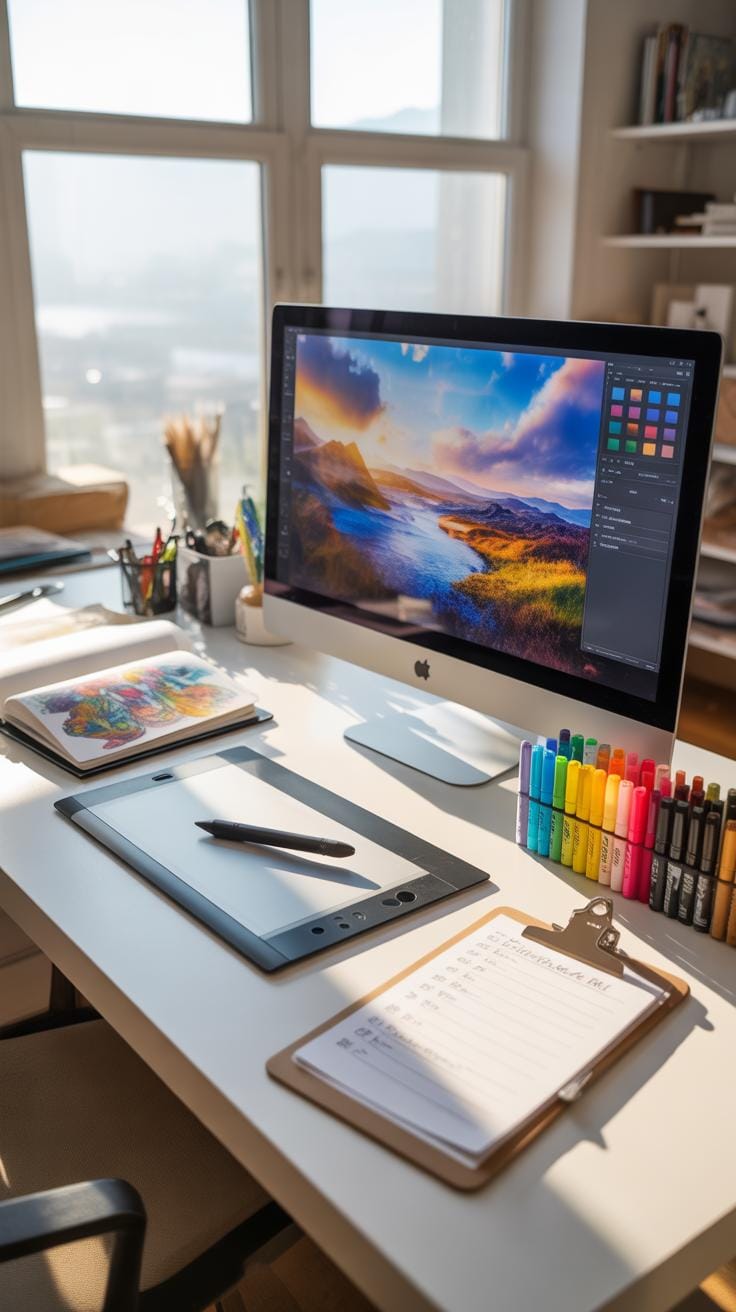
Taking care of digital background art isn’t just about having a beautiful image on your screen or printed on your wall. There’s a bit more to it if you want the art to stay fresh and vibrant over time.
Physical Artwork Care Tips
First, when you have your digital background printed, it’s crucial to protect it from fading. Avoid direct sunlight—this can be surprisingly harsh even through windows. Dust can settle quickly, so regular gentle cleaning with a soft cloth helps keep it looking sharp. Also, think about the type of frame you use. Frames with UV-protective glass or acrylic can add another layer of defense. And, well, humidity and temperature fluctuations can also affect prints; keeping them in stable environments matters.
Digital File Backup Process
On the digital front, losing a file can be heartbreaking. Imagine hours spent creating that perfect background lost in a blink. So, backup isn’t optional. You might start with keeping copies on external hard drives or USB sticks. But don’t rely on one method—cloud storage offers another safety net. Setting routine reminders to update your backups reduces risk. It sounds tedious, but it’s worth it. Eventually, you might find some backup methods outdated, so periodically evaluate your storage strategy.
By looking after both the physical prints and the digital originals, you can ensure your digital backgrounds continue to enhance your space for a long time.
Why You Should Try Digital Background Drawing
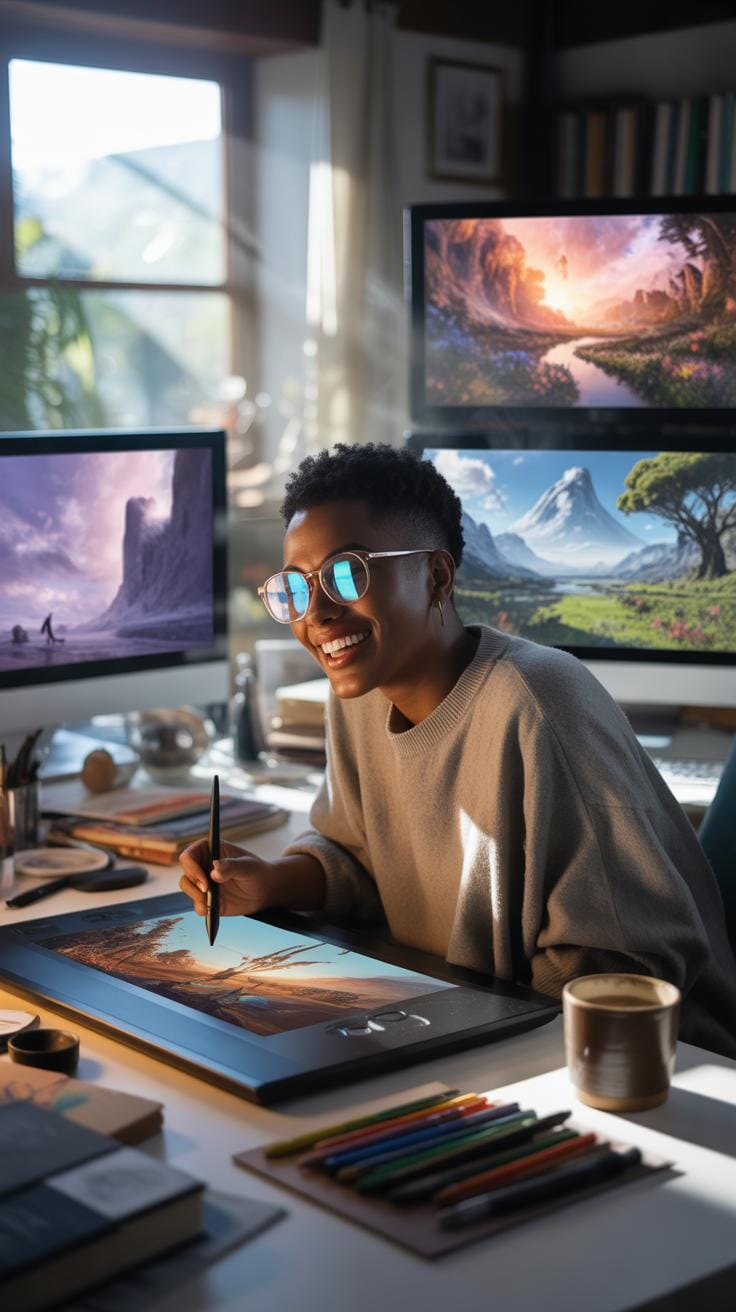
Trying digital background drawing for your home decor might seem a bit daunting at first, but there are some solid reasons to consider it. For one, it lets you experiment with different styles and looks without worrying about messing up. You can play around with colors, shapes, and patterns until something clicks. It’s quite freeing to have the ability to undo or tweak your work instantly—something not so easily done with traditional methods.
More than just flexibility, digital techniques open doors to personalizing your space in ways that feel truly yours. Maybe you want a subtle gradient behind your sofa or a bold abstract splash near the reading nook. Both are possible and easily achieved when working on a digital canvas.
You might wonder if this method is expensive or complicated. Actually, digital tools have become more affordable and user-friendly. This accessibility means you don’t need to shell out a ton for materials or professional help. The value here is not just in cost savings but also in the creative control you gain—allowing you to craft backgrounds that genuinely enhance your living environment.
Conclusions
Digital background art techniques offer a practical way to enhance your home decor with personalized and adaptable visuals. By understanding the tools and methods, you can apply digital backgrounds to fit your style and space needs effectively.
With digital art, you can explore new creative possibilities and control every detail of your decor’s background, making your home uniquely yours. Start experimenting with digital drawing backgrounds to see how they transform your space.